How to Troubleshoot a Half Printing Kodak Easyshare Printer Dock Series 3?
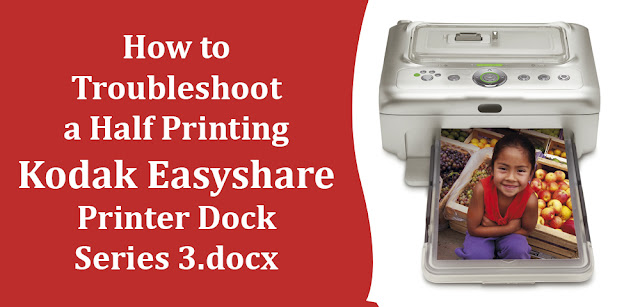
Kodak Easyshare Printer Dock Series 3 provides you with the best printing experience without having to leave your home or office. But like other printers, issues arise in the printer, including the printer not working correctly and only printing half of your selected photo. The half-printing case can be due to the printer becoming clogged with ink fragments and debris. However, you can quickly fix the issue by cleaning the printer. If you don’t know how to go about it, keep reading the guide until the end. Troubleshooting Steps Follow the step mentioned below to fix the half printing issue: Step 1: Firstly, turn off the Kodak Easyshare Printer Dock if it’s on. Step 2: Now, you need to pull the paper tray from the printer. Step 3: Next, check the exposed paper slot for paper fragments or jammed paper sheets in the slot. It is suggested to use tweezers to remove any paper fragments from the paper slot. Step 4: After this, fill a bowl with one-half cup of ...